
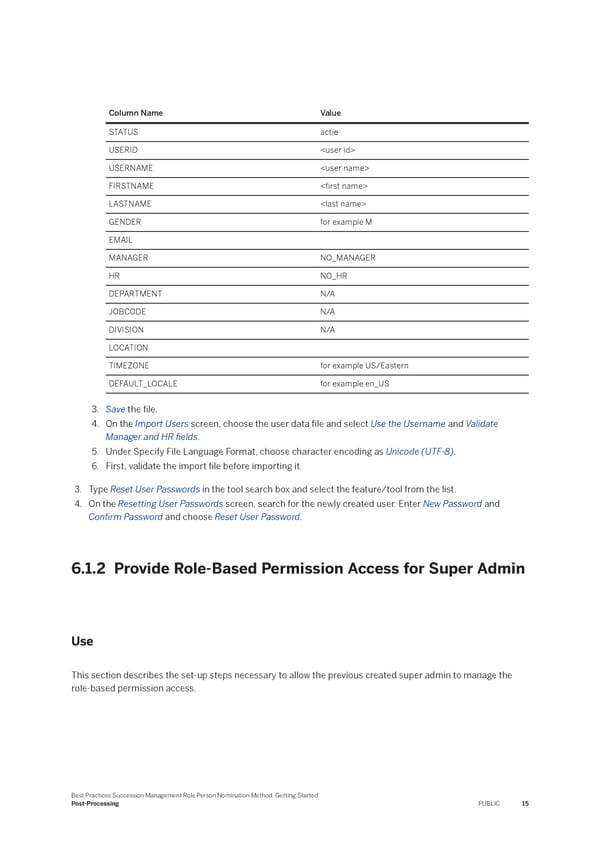
Column Name Value STATUS actie USERID USERNAME FIRSTNAME LASTNAME GENDER for example M EMAIL MANAGER NO_MANAGER HR NO_HR DEPARTMENT N/A JOBCODE N/A DIVISION N/A LOCATION TIMEZONE for example US/Eastern DEFAULT_LOCALE for example en_US 3. Save the 昀椀le. 4. On the Import Users screen, choose the user data 昀椀le and select Use the Username and Validate Manager and HR 昀椀elds. 5. Under Specify File Language Format, choose character encoding as Unicode (UTF-8). 6. First, validate the import 昀椀le before importing it. 3. Type Reset User Passwords in the tool search box and select the feature/tool from the list. 4. On the Resetting User Passwords screen, search for the newly created user. Enter New Password and Con昀椀rm Password and choose Reset User Password. 6.1.2 Provide Role-Based Permission Access for Super Admin Use This section describes the set-up steps necessary to allow the previous created super admin to manage the role-based permission access. Best Practices Succession Management Role Person Nomination Method: Getting Started Post-Processing PUBLIC 15
 Succession Management Role Person Nomination Method: Getting Started Page 14 Page 16