
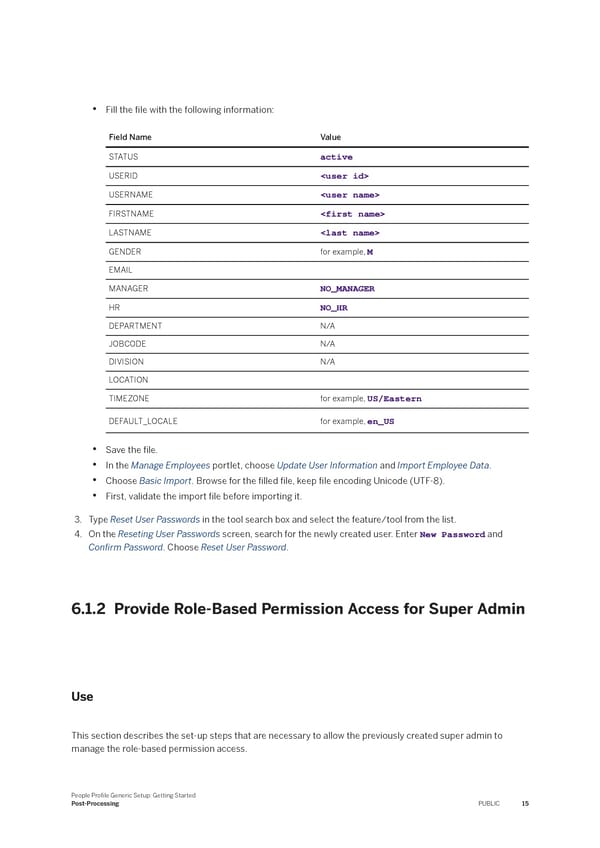
• Fill the 昀椀le with the following information: Field Name Value STATUS active USERID USERNAME FIRSTNAME LASTNAME GENDER for example, M EMAIL MANAGER NO_MANAGER HR NO_HR DEPARTMENT N/A JOBCODE N/A DIVISION N/A LOCATION TIMEZONE for example, US/Eastern DEFAULT_LOCALE for example, en_US • Save the 昀椀le. • In the Manage Employees portlet, choose Update User Information and Import Employee Data. • Choose Basic Import. Browse for the 昀椀lled 昀椀le, keep 昀椀le encoding Unicode (UTF-8). • First, validate the import 昀椀le before importing it. 3. Type Reset User Passwords in the tool search box and select the feature/tool from the list. 4. On the Reseting User Passwords screen, search for the newly created user. Enter New Password and Con昀椀rm Password. Choose Reset User Password. 6.1.2 Provide Role-Based Permission Access for Super Admin Use This section describes the set-up steps that are necessary to allow the previously created super admin to manage the role-based permission access. People Pro昀椀le Generic Setup: Getting Started Post-Processing PUBLIC 15
 People Profile Generic Setup: Getting Started Page 14 Page 16