
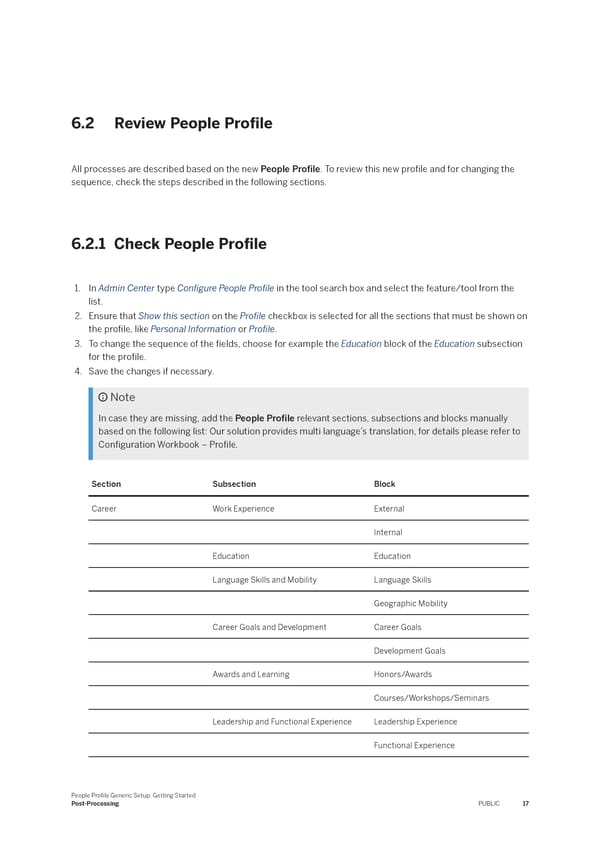
6.2 Review People Pro昀椀le All processes are described based on the new People Pro昀椀le. To review this new pro昀椀le and for changing the sequence, check the steps described in the following sections. 6.2.1 Check People Pro昀椀le 1. In Admin Center type Con昀椀gure People Pro昀椀le in the tool search box and select the feature/tool from the list. 2. Ensure that Show this section on the Pro昀椀le checkbox is selected for all the sections that must be shown on the pro昀椀le, like Personal Information or Pro昀椀le. 3. To change the sequence of the 昀椀elds, choose for example the Education block of the Education subsection for the pro昀椀le. 4. Save the changes if necessary. Note In case they are missing, add the People Pro昀椀le relevant sections, subsections and blocks manually based on the following list: Our solution provides multi language’s translation, for details please refer to Con昀椀guration Workbook – Pro昀椀le. Section Subsection Block Career Work Experience External Internal Education Education Language Skills and Mobility Language Skills Geographic Mobility Career Goals and Development Career Goals Development Goals Awards and Learning Honors/Awards Courses/Workshops/Seminars Leadership and Functional Experience Leadership Experience Functional Experience People Pro昀椀le Generic Setup: Getting Started Post-Processing PUBLIC 17
 People Profile Generic Setup: Getting Started Page 16 Page 18