
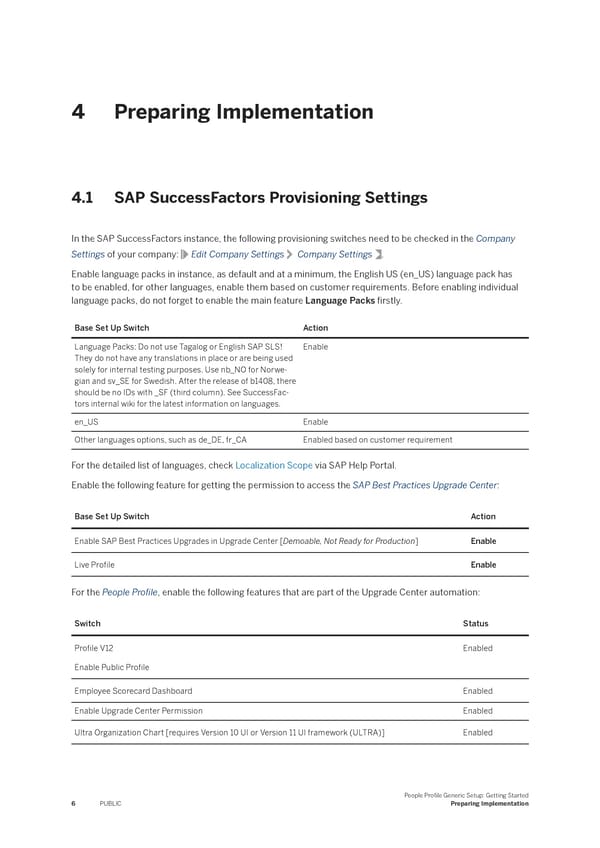
4 Preparing Implementation 4.1 SAP SuccessFactors Provisioning Settings In the SAP SuccessFactors instance, the following provisioning switches need to be checked in the Company Settings of your company: Edit Company Settings Company Settings . Enable language packs in instance, as default and at a minimum, the English US (en_US) language pack has to be enabled, for other languages, enable them based on customer requirements. Before enabling individual language packs, do not forget to enable the main feature Language Packs 昀椀rstly. Base Set Up Switch Action Language Packs: Do not use Tagalog or English SAP SLS! Enable They do not have any translations in place or are being used solely for internal testing purposes. Use nb_NO for Norwe- gian and sv_SE for Swedish. After the release of b1408, there should be no IDs with _SF (third column). See SuccessFac- tors internal wiki for the latest information on languages. en_US Enable Other languages options, such as de_DE, fr_CA Enabled based on customer requirement For the detailed list of languages, check Localization Scope via SAP Help Portal. Enable the following feature for getting the permission to access the SAP Best Practices Upgrade Center: Base Set Up Switch Action Enable SAP Best Practices Upgrades in Upgrade Center [Demoable, Not Ready for Production] Enable Live Pro昀椀le Enable For the People Pro昀椀le, enable the following features that are part of the Upgrade Center automation: Switch Status Pro昀椀le V12 Enabled Enable Public Pro昀椀le Employee Scorecard Dashboard Enabled Enable Upgrade Center Permission Enabled Ultra Organization Chart [requires Version 10 UI or Version 11 UI framework (ULTRA)] Enabled People Pro昀椀le Generic Setup: Getting Started Preparing Implementation 6 PUBLIC
 People Profile Generic Setup: Getting Started Page 5 Page 7